How to Reset Your Password
If you’ve forgotten your password or need to create a new one, you can reset it using the Reset Password page: api.bible/reset-password
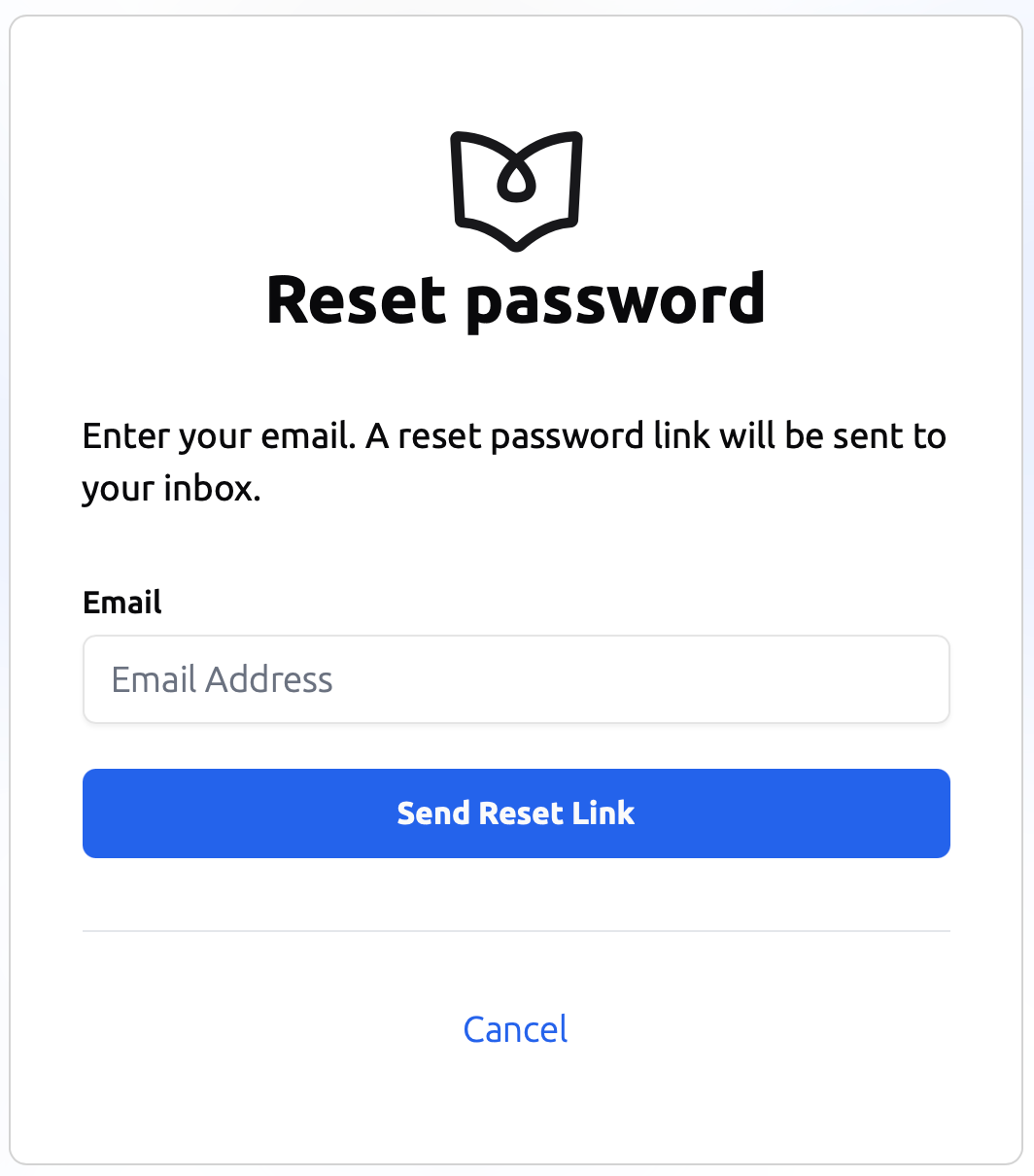
Step 1: Request a Password Reset
Enter the email address associated with your API.Bible account on the Reset Password page. After submitting the form, a password reset email will be sent to your inbox.
Step 2: Open the Reset Email
Check your email for a message from API.Bible containing your password reset link.
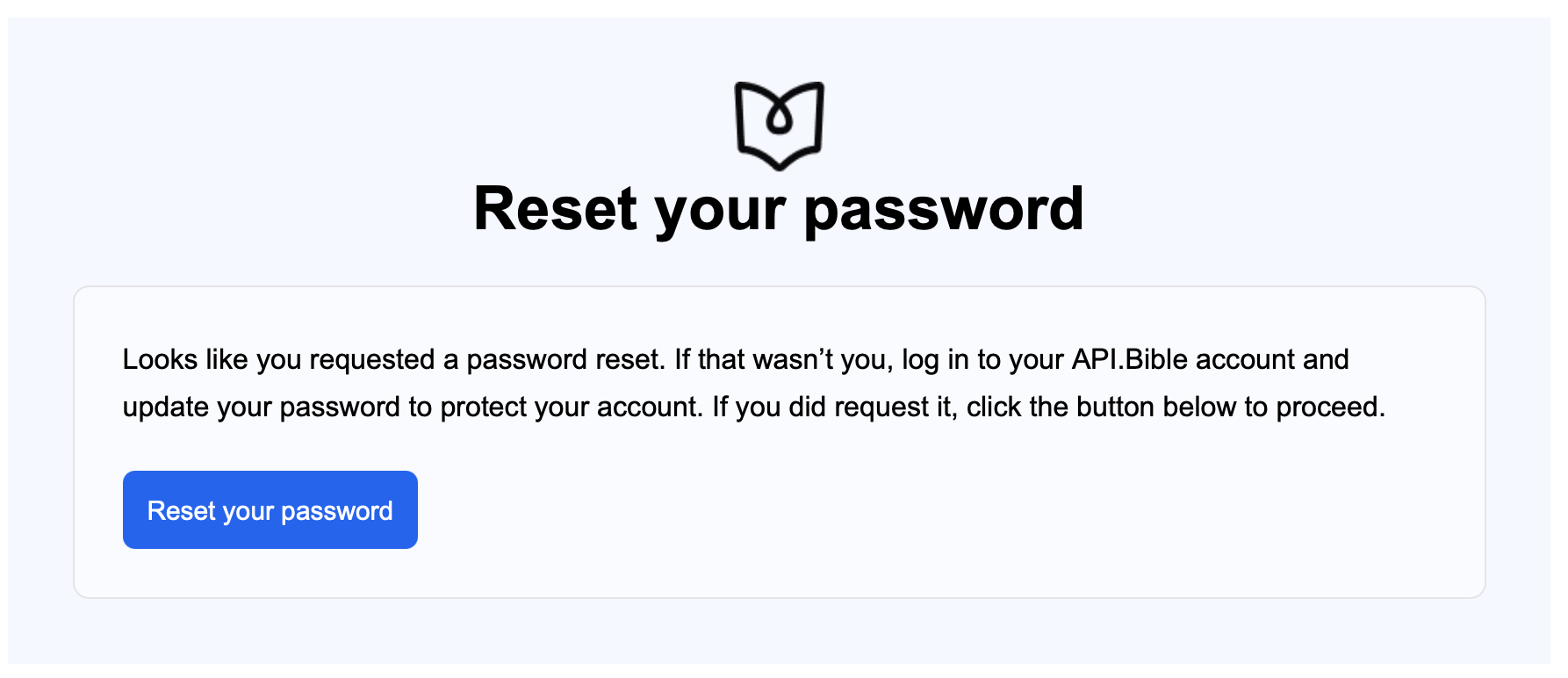
Click the Reset your password button in the email.
Step 3: Create a New Password
You will be directed to a page where you can enter a new password for your API.Bible account.
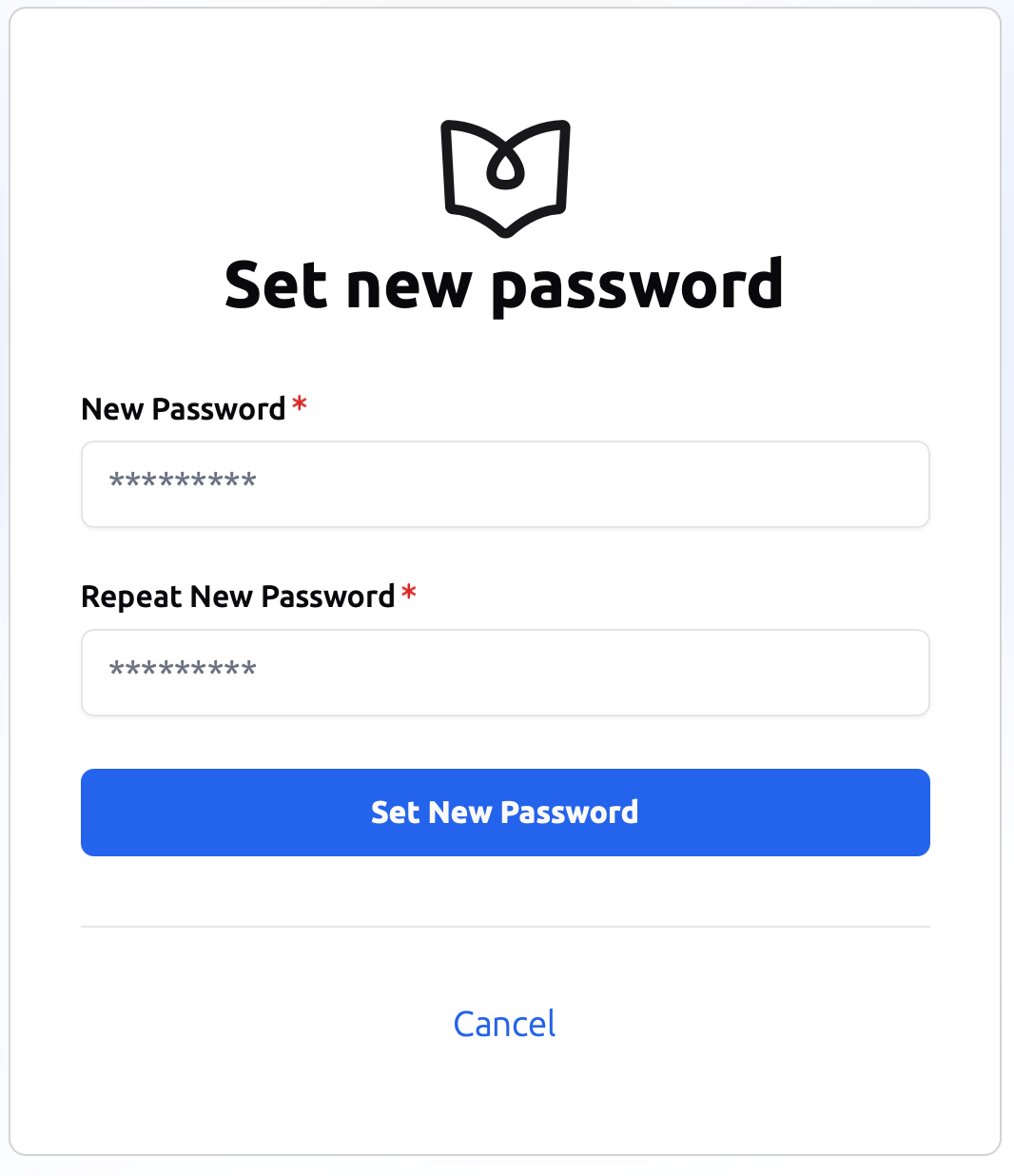
Once your new password is saved, you can sign in normally using your updated credentials.
Didn’t Receive the Email?
If you do not see the reset email:
- Check your spam or junk folder
- Confirm you entered the correct email address
- Wait a few minutes and try submitting the request again
If you continue to experience issues, contact the API.Bible Care Team at support@api.bible